scenarioPrescribedScrewMotion
Overview
This scenario demonstrates how to configure prescribed helical screw motion using the C++ Module: prescribedRotation1DOF kinematic profiler with C++ Module: prescribedMotionStateEffector.
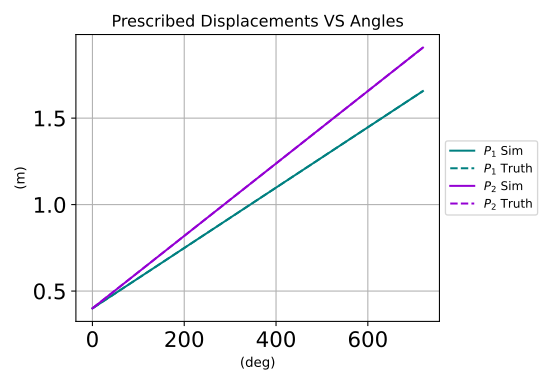
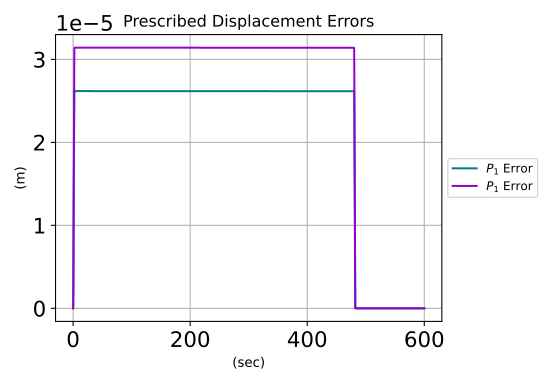
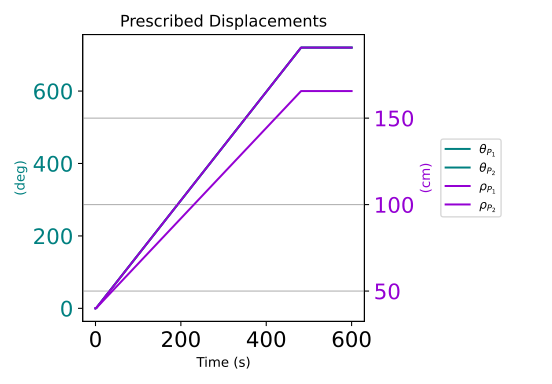
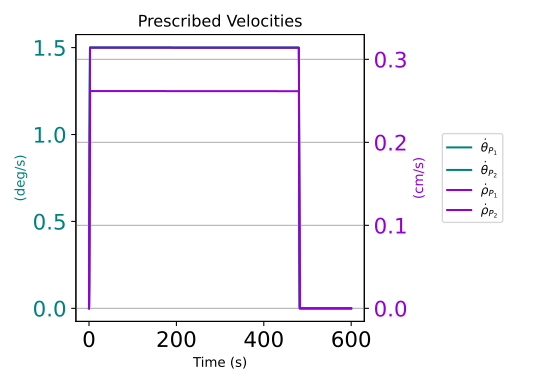
This example configures a spacecraft containing a cylindrical rigid hub with two attached prescribed components. The spacecraft is at rest at the start of the simulation. The prescribed components are given identical mass properties, but each has a different hub-relative prescribed motion profile. The first prescribed component moves against the side of the rigid hub along its third axis, while the second component moves away from the hub along it’s second axis. Both prescribed components complete two revolutions about their spin axes during the simulation.
The script is found in the folder basilisk/examples and executed by using:
python3 scenarioPrescribedScrewMotion.py
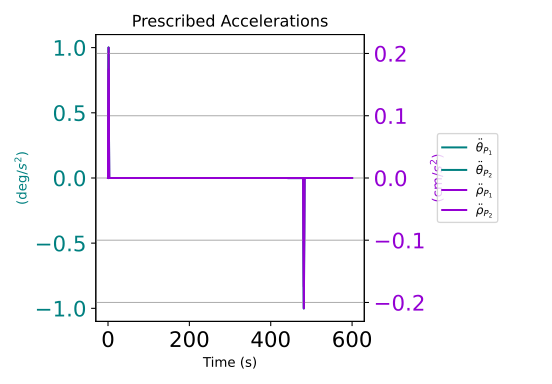
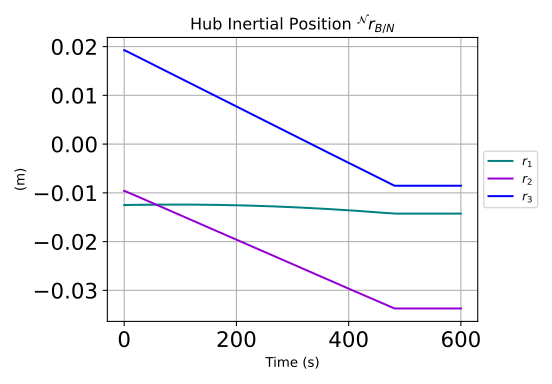
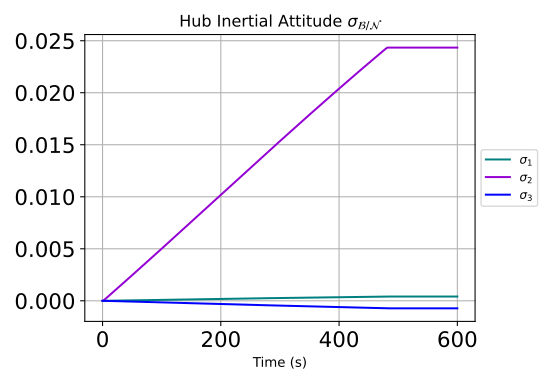
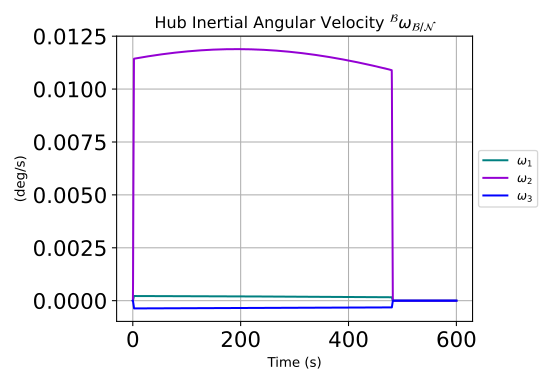
The scalar and vector prescribed displacements, velocities, and accelerations are plotted in this scenario, along with the hub response to the prescribed screw motion.
Illustration of Simulation Results