scenarioCustomGravBody
Overview
Demonstrates how to setup a custom gravity object in Basilisk that is not directly supported by
the simIncludeGravBody.py file. In this simulation the sun is created using standard values, the Earth
is created using custom values, and the asteroid Itokawa is created with custom values.
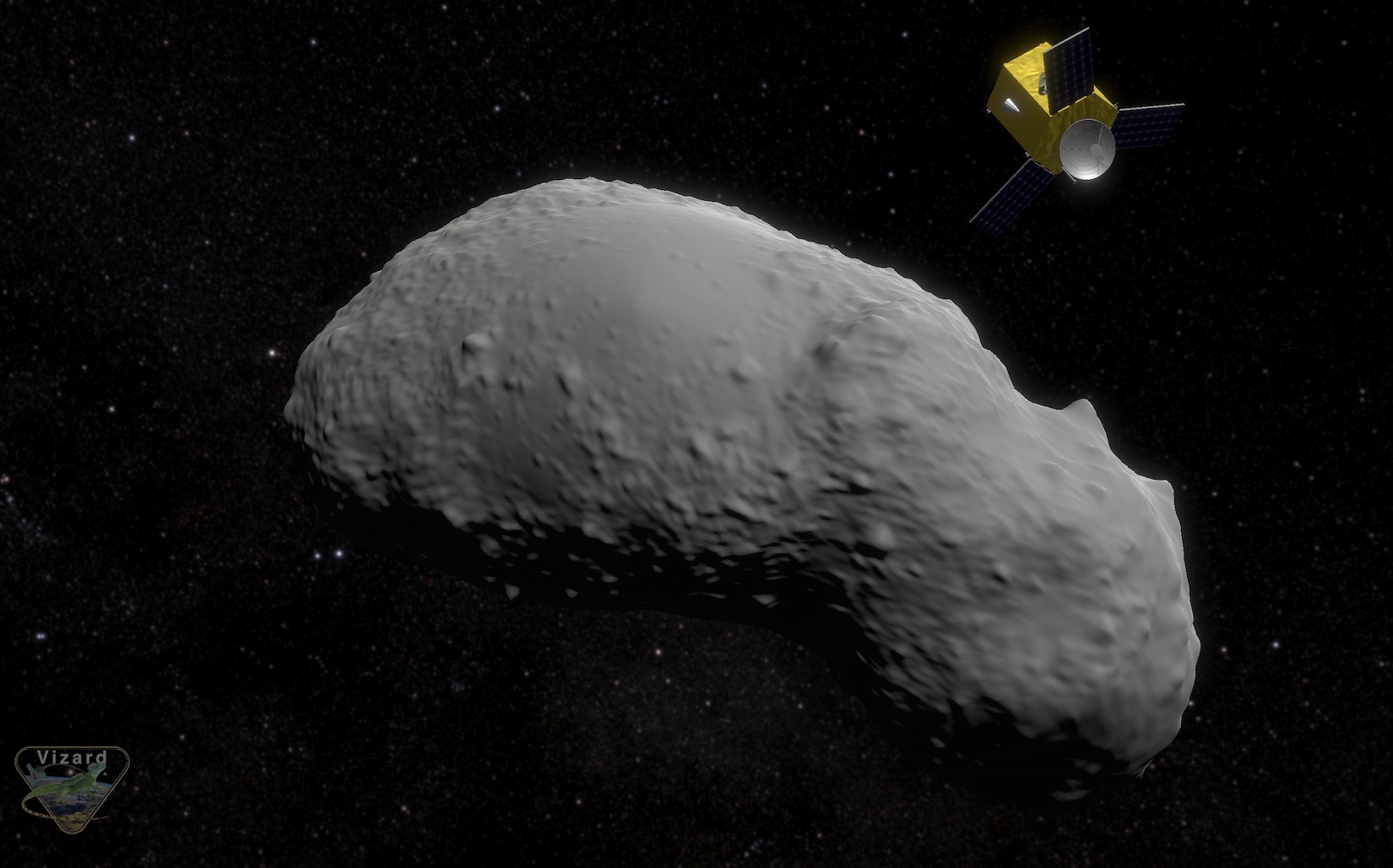
Further, the Vizard binary file is setup to load up a custom CAD model for the asteroid. The spacecraft orbit is defined relative to the asteroid. Note, this feature requires Vizard version 1.8 or higher.
The script is found in the folder basilisk/examples and executed by using:
python3 scenarioCustomGravBody.py
The simulation layout is shown in the following illustration. A single simulation process is created which contains both modules.
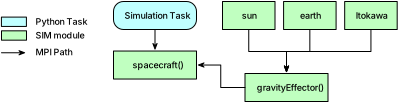
C++ Module: planetEphemeris is used to create the planet ephemeris states. The sun is assumed to be stationary, while Earth is on a circular orbit and Itokawa is on its elliptical heliocentric orbit.
The method createCustomGravObject() is used to create the BSK grav bodies for both earth and Itokawa.
The earth body is already supported in simIncludeGravBody, but in this script we show how this could
be customized. The gravity body ephemeris states are connected to the C++ Module: planetEphemeris planet
state output messages.
The ephemeris outputs remain heliocentric because the Sun gravity body is not
connected to an ephemeris message. Its default zero state therefore represents
the Sun at the heliocentric origin. Setting planetEphemeris.zeroBase to
Itokawa would incorrectly place both the Sun and Itokawa at the origin. To plot
the spacecraft motion relative to the asteroid, the script instead records the
Itokawa state and subtracts it from the spacecraft state during post-processing.
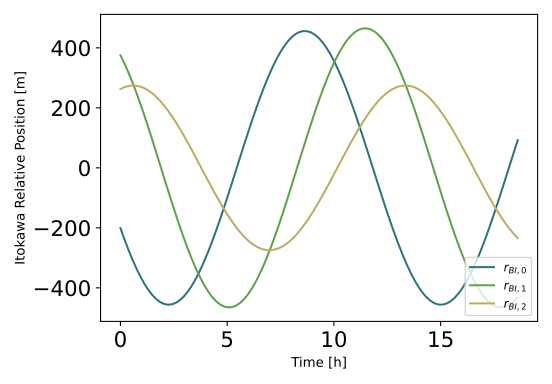
The simulation executes and shows a plot of the spacecraft motion relative to the asteroid.
Illustration of Simulation Results
show_plots = True